Meter
A static gauge that shows a measured value inside a known range, with an optional label and readout.
A meter reads out a fixed quantity, not progress toward a goal. Use it for
things like disk usage, a battery level, or a score, where the value sits
somewhere between a known min and max. Set value and the bar fills to that
fraction; anything past the ends is clamped. The meter is static and
non-interactive.
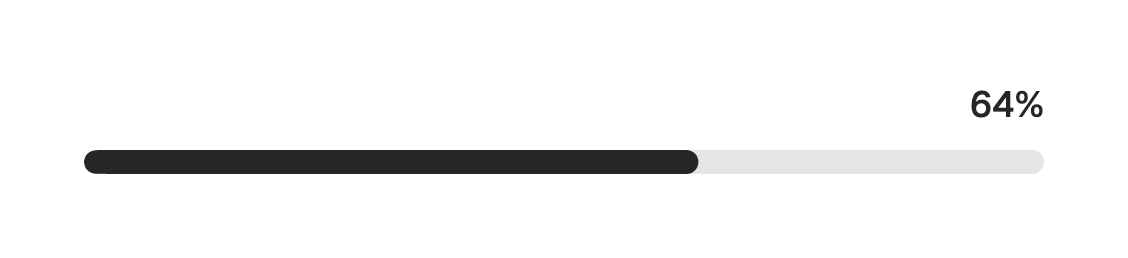
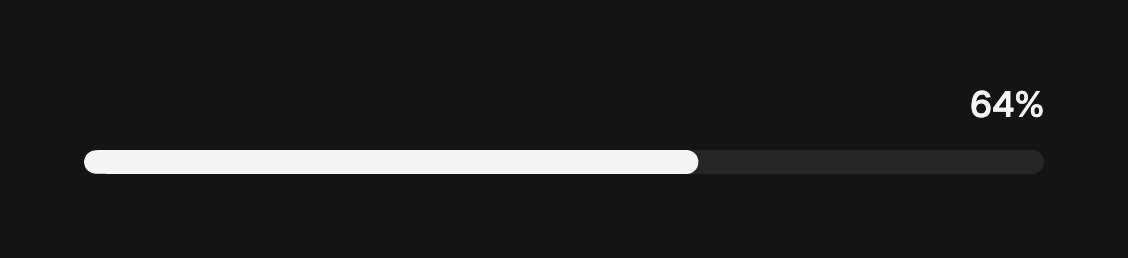
import 'package:fossui/fossui.dart';

FossMeter(
  value: 64,
);
Range
The default range is 0 to 100. Pass min and max to measure on any scale, and
the readout follows the raw value.
FossMeter(
  value: 4.2,
  min: 0,
  max: 5,
  label: 'Rating',
);
Label and readout
label sits at the start of the row above the track. showValue toggles the
readout at the end; it is on by default. Use formatValue to render the value
as a percentage, a fraction, or anything else.
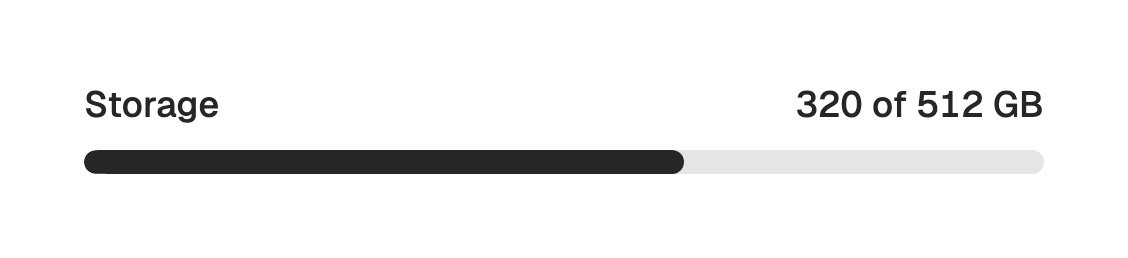
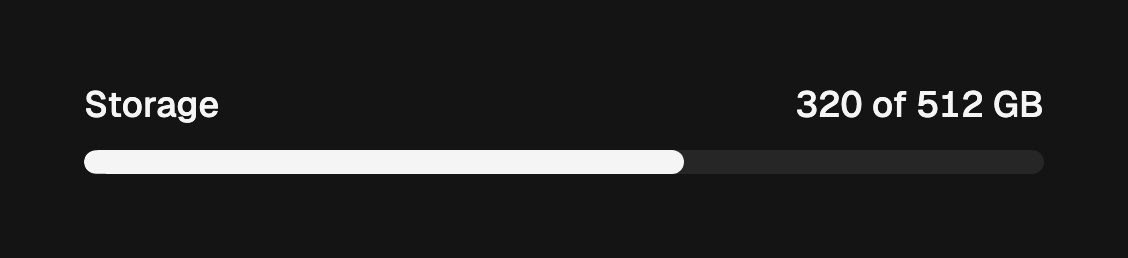
FossMeter(
  value: 320,
  max: 512,
  label: 'Storage',
  formatValue: (value, min, max) => '${value.round()} of ${max.round()} GB',
);
Accessibility name
When there is no visible label, pass semanticsLabel to name the meter for
assistive technology. The value is always announced from the range.
FossMeter(
  value: 82,
  semanticsLabel: 'Battery level',
);
One-off styling
Global retheming is the first choice, but a single meter can override its
resolved colors and text with a FossMeterStyle. Every field is optional and
falls back to the theme.
FossMeter(
  value: 92,
  style: const FossMeterStyle(
    fillColor: Color(0xFFDC2626),
  ),
);
API
FossMeter
| Prop | Type | Default | Description |
|---|---|---|---|
value | num | required | Measured value, clamped to the range. |
min | num | 0 | Low end of the range. |
max | num | 100 | High end of the range. |
label | String? | null | Text at the start of the row above the track. |
showValue | bool | true | Whether the readout appears at the end of the row. |
formatValue | String Function(num value, num min, num max)? | null | Formats the readout; defaults to the rounded value. |
semanticsLabel | String? | null | Accessibility name when there is no visible label. |
style | FossMeterStyle? | null | Per-instance overrides on the theme. |
FossMeterStyle
| Field | Type | Default | Description |
|---|---|---|---|
trackColor | Color? | null | Fill of the unfilled track. |
fillColor | Color? | null | Fill of the leading gauge band. |
labelStyle | TextStyle? | null | Style of the label, merged over the token default. |
valueStyle | TextStyle? | null | Style of the readout, merged over the token default. |
Live demo
Open the interactive gallery to try every range and state with live knobs.