Text
On-brand text in a type step, weight, and color role.
FossText renders a string in one of six type steps at one of four weights. It
reads the scale, the weights, and the bundled font from the theme, so the text
stays on brand without reaching into the tokens. Pick a step and weight with
size and weight, or use a named constructor for a common role.
import 'package:fossui/fossui.dart';

FossText('The quick brown fox');
Sizes
Six steps: xs (12), sm (14), base (16, the default), lg (18), xl (20),
and xl2 (24). Each carries its own line height and letter spacing.
FossText('Caption', size: FossTextSize.xs);
FossText('Body', size: FossTextSize.sm);
FossText('Heading', size: FossTextSize.xl);
Weights
Four weights, applied over the chosen step: regular (400, the default),
medium (500), semibold (600), and bold (700).
FossText('Emphasis', weight: FossTextWeight.semibold);Color
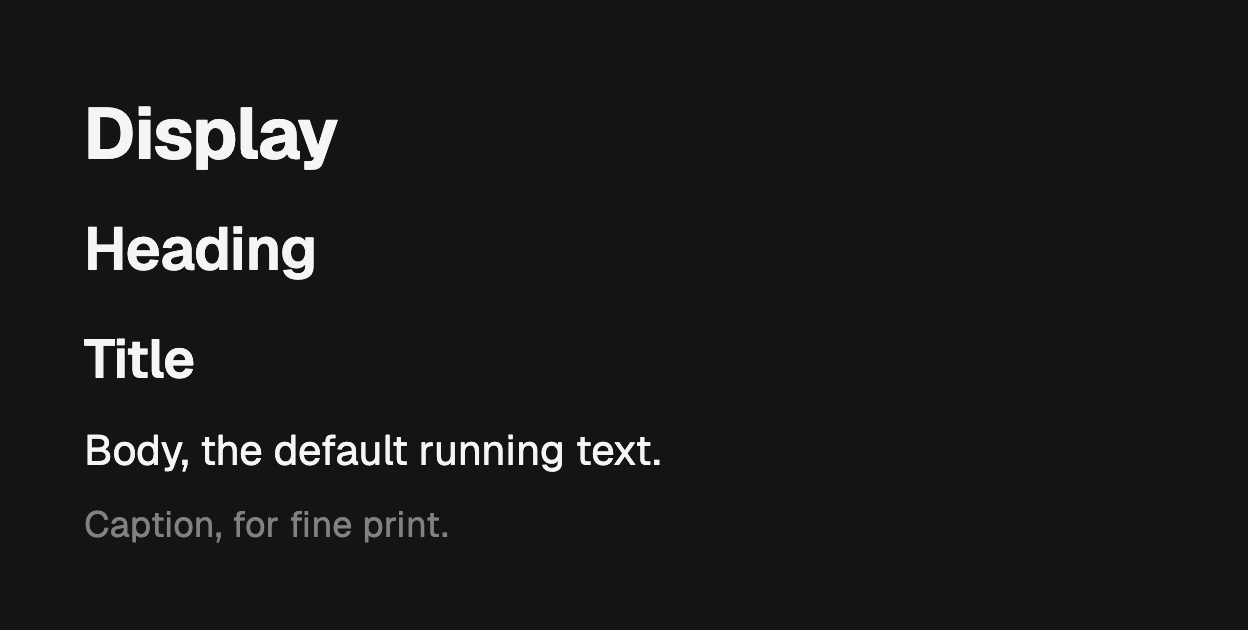
color takes a semantic role that resolves from the theme, so light and dark
follow for free. Leave it unset and the text uses the foreground role.
FossText('Secondary', color: FossTextColor.mutedForeground);
FossText('Danger', color: FossTextColor.destructive);
Presets
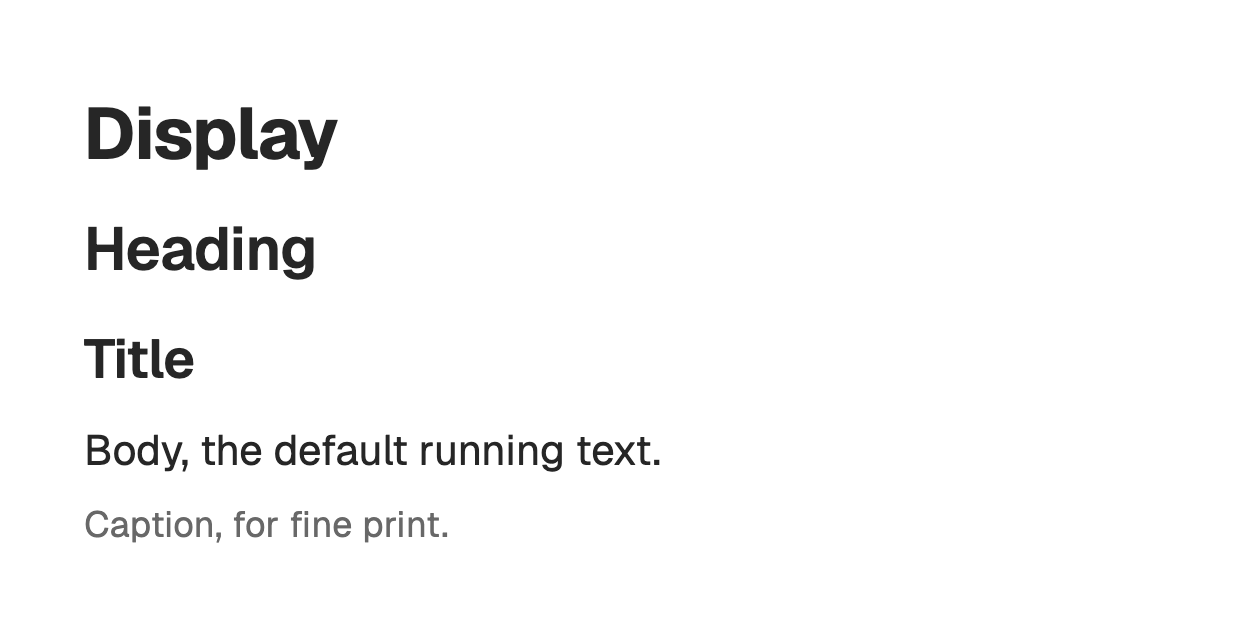
Named constructors pair a step and weight for the common roles, so intent reads at the call site.
FossText.display('Display');
FossText.heading('Heading');
FossText.title('Title');
FossText.label('Label');
FossText.body('Body, the default running text.');
FossText.caption('Caption, for fine print.');
One-off override
A TextStyle merges over the resolved style, winning on any field it sets. Use
it for a one-off; change the theme for anything global.
FossText(
  'Tracked out',
  size: FossTextSize.sm,
  style: const TextStyle(letterSpacing: 2),
);
Accessibility
Set header on a true document heading so assistive technology can navigate to
it by heading. It is off by default, since a visually large label is not always a
heading.
FossText.title('Account settings', header: true);When the visible string is not the right read-out, pass semanticsLabel.
FossText('12:30', semanticsLabel: 'half past twelve');API
FossText
| Prop | Type | Default | Description |
|---|---|---|---|
data | String | required | The string to render. |
size | FossTextSize | base | The type step. |
weight | FossTextWeight | regular | The weight. |
color | FossTextColor? | null | Semantic color role; the foreground role when null. |
textAlign | TextAlign? | null | Horizontal alignment. |
maxLines | int? | null | Line cap before clip or ellipsis. |
overflow | TextOverflow? | null | How overflow is handled. |
softWrap | bool? | null | Whether to wrap at soft breaks. |
semanticsLabel | String? | null | Replaces the visible string for assistive technology. |
style | TextStyle? | null | Merged over the resolved style, winning on set fields. |
header | bool | false | Marks the text as a heading for assistive technology. |
Named constructors: FossText.caption, .body, .label, .title, .heading,
.display.
FossTextSize
xs (12), sm (14), base (16), lg (18), xl (20), xl2 (24).
FossTextWeight
regular (400), medium (500), semibold (600), bold (700).
FossTextColor
foreground, mutedForeground, primary, destructive.
Live demo
Open the interactive gallery to try every step, weight, and role with live knobs.